“My phone would buzz with a random list of things my wife just realized we were out of, while I was already standing in the supermarket aisle. I wanted one shared list that updates the second someone taps it. Nothing else.”
Radu — building Stocked
The shared list for your home. Tap what's low. Everyone knows before you've shut the fridge.
 Get it on
Google Play
Get it on
Google Play
 Coming soon on the
App Store
Coming soon on the
App Store
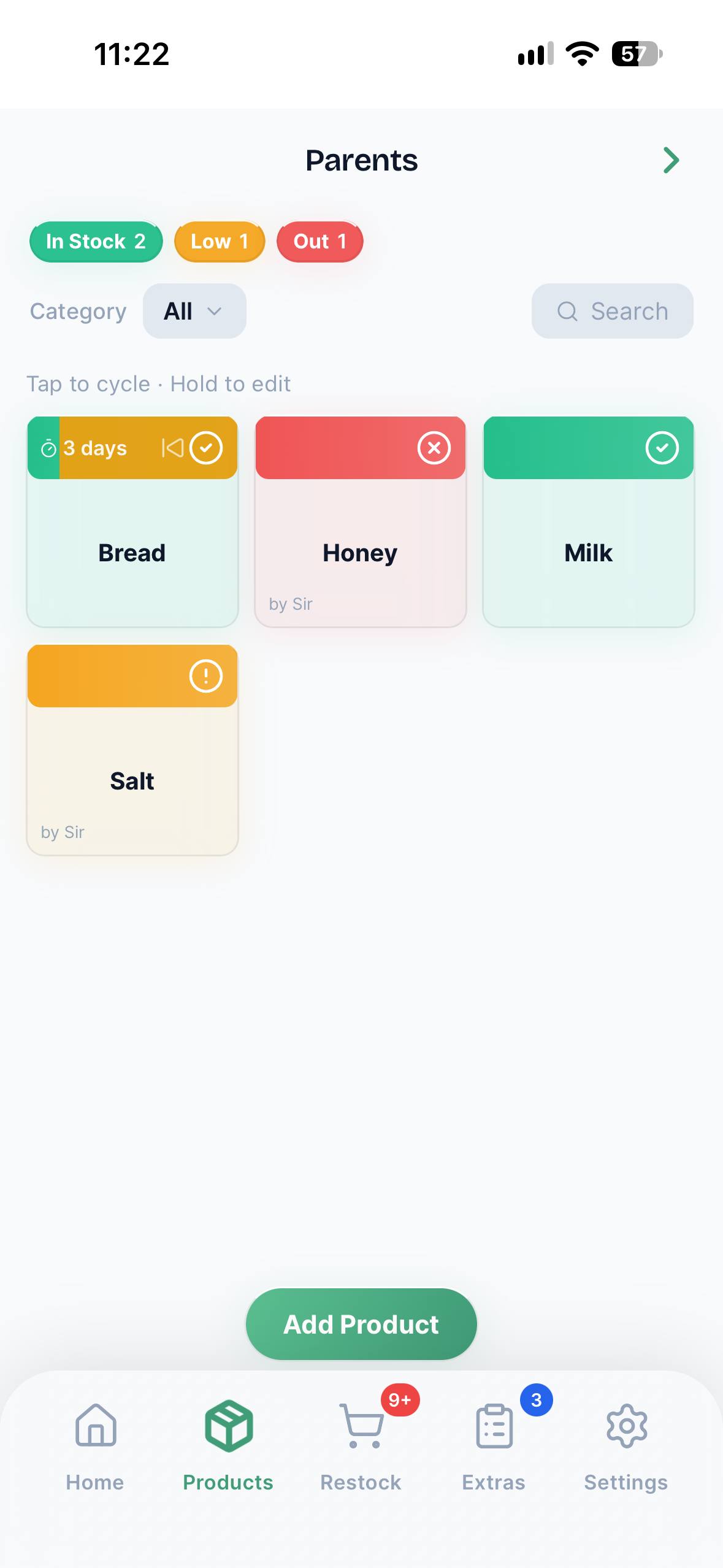
Create a household and add what you always need — milk, dish soap, whatever keeps your home running.
Invite whoever you live with by email. Anyone who joins gets the full real-time view for free — no paid plan needed.
Mark something low or out with one tap. Your household sees it instantly, batched into one quiet nudge instead of ten.
“My phone would buzz with a random list of things my wife just realized we were out of, while I was already standing in the supermarket aisle. I wanted one shared list that updates the second someone taps it. Nothing else.”
Radu — building Stocked
Not a spreadsheet. Not a group chat. Not ten reminders in a row.
Your own kitchen, your parents', a flatshare you're just a guest in. See what's low or out in each one, the moment it changes.
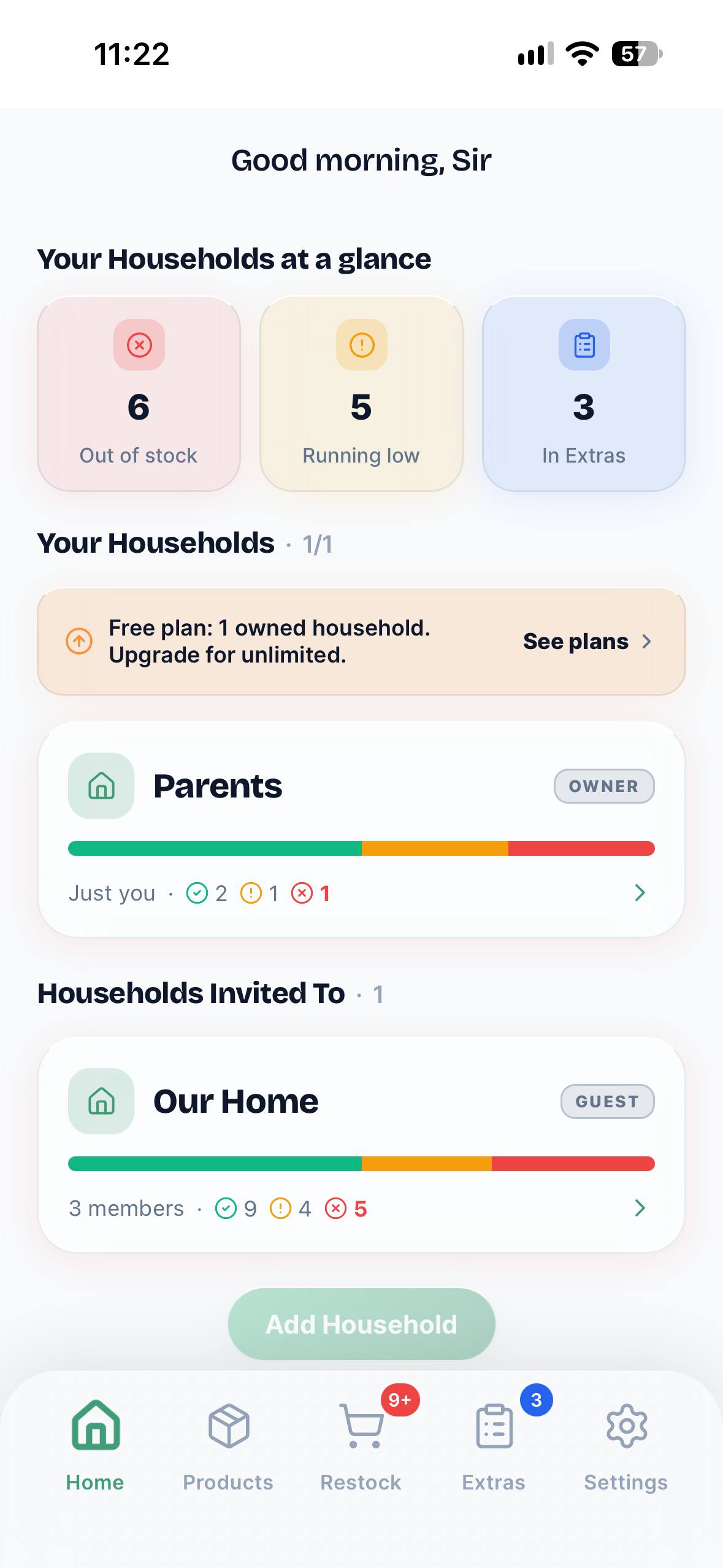
Everything low or out, already sorted into one restock list. No mental checklist, no calling to ask “did we need anything else?”
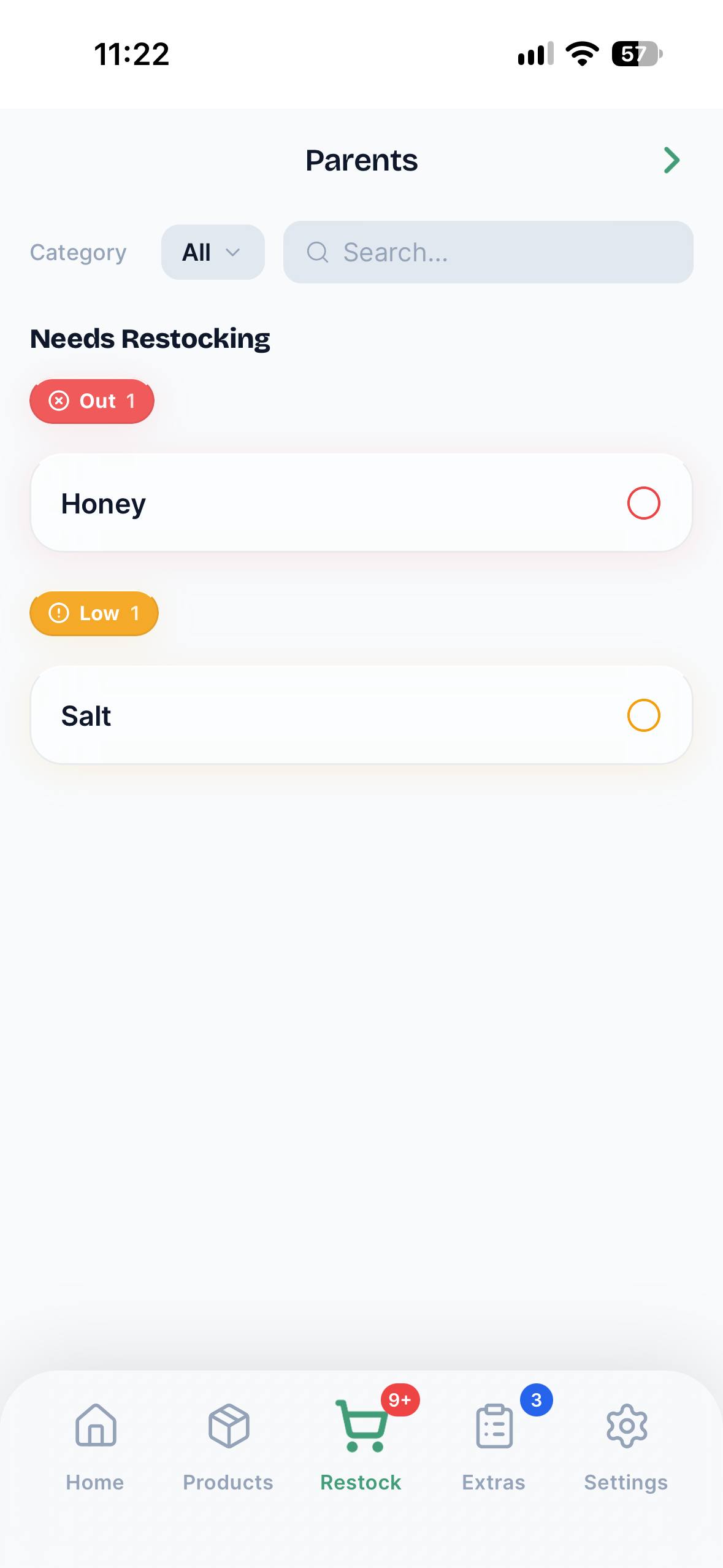
Screws, a birthday candle, wrapping paper — add it to Extras, check it off at the till, and it disappears for everyone.
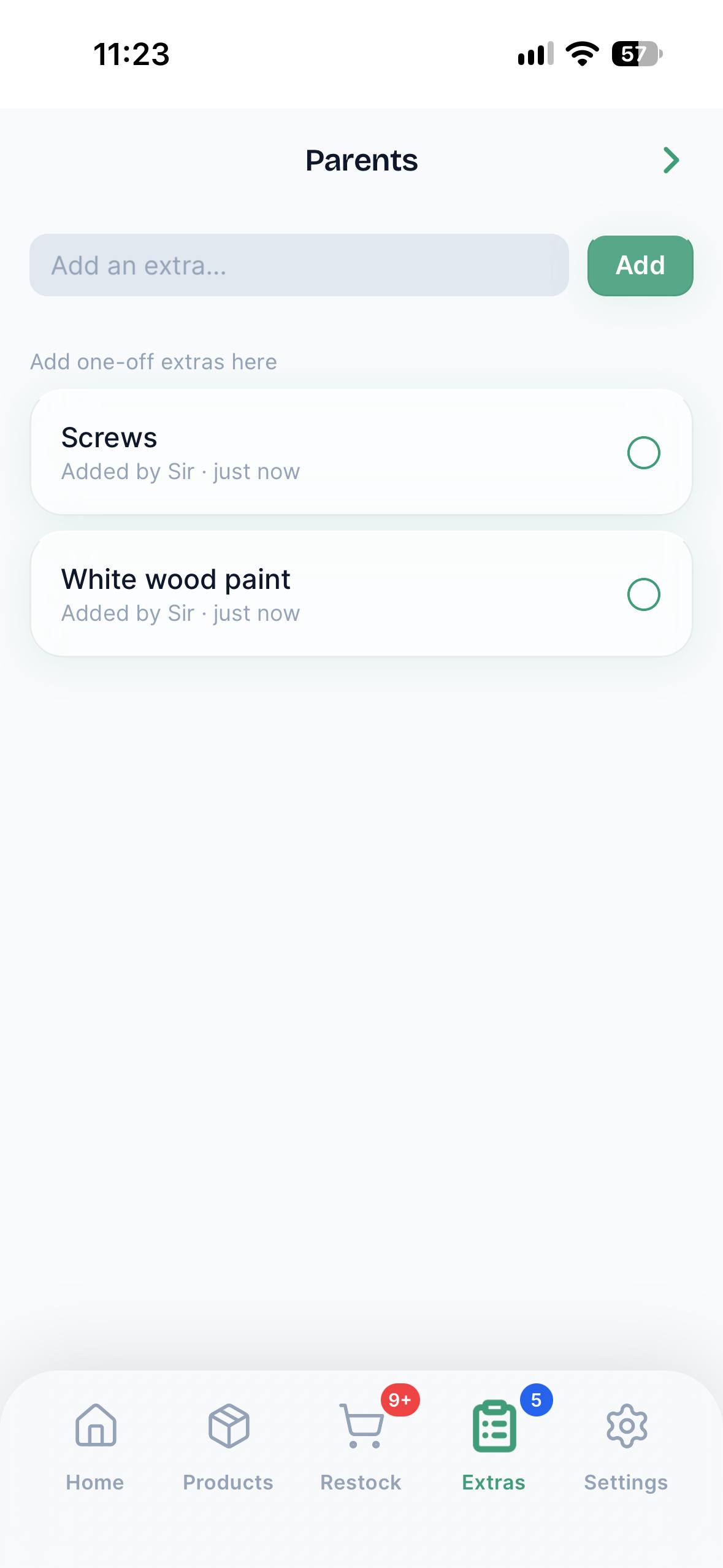
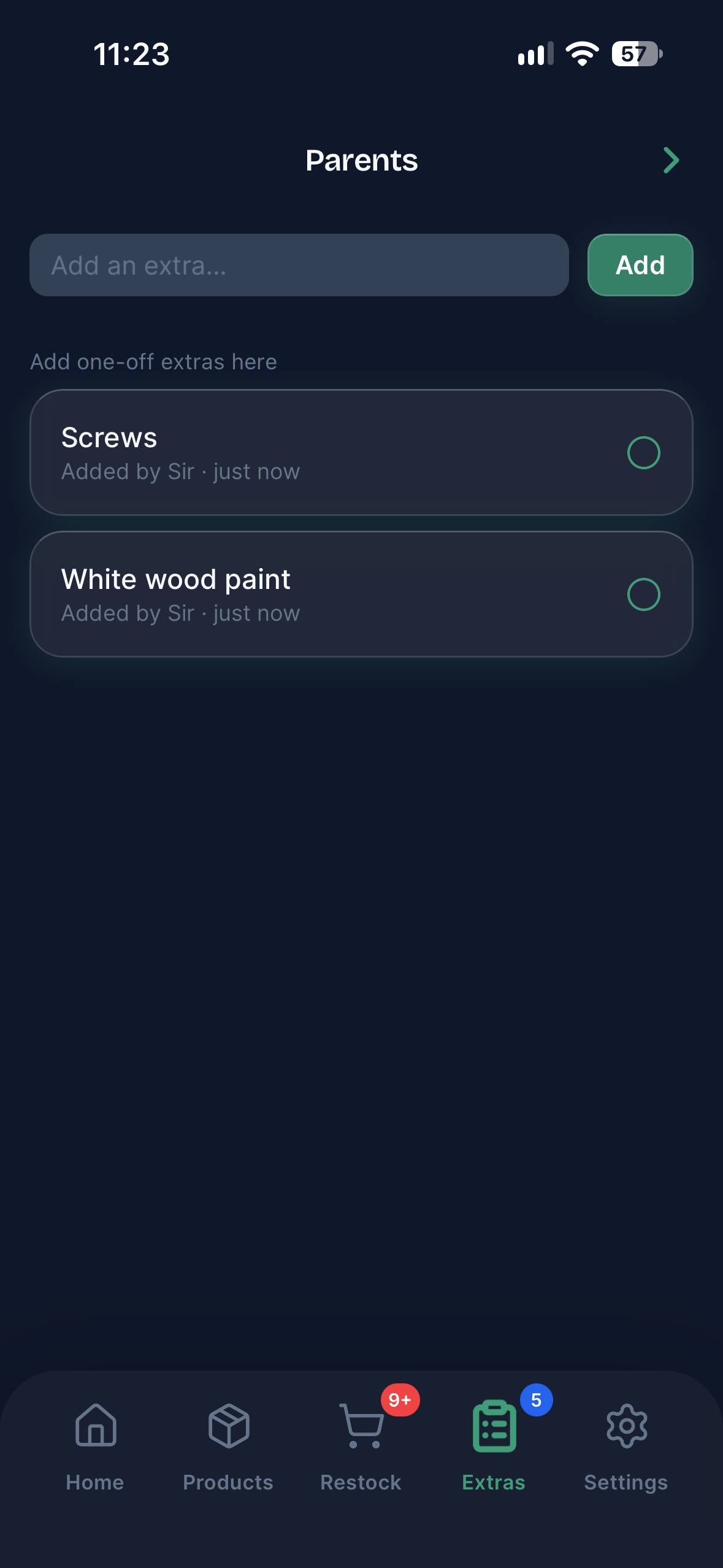
Stocked follows your system theme automatically — light or dark, or pick one yourself in Settings.
Guests you invite don't need a paid account. Anyone can join and fully manage a shared household for free.
All paid plans share the same features. The billing cycle is the only choice you have to make.
Create an account · starts immediately
€1.66 / month · save 58% vs monthly
Never. Anyone you invite gets full access to a shared household for free — only the household owner needs a paid plan.
Yes. Monthly and Annual are subscriptions you can cancel whenever you like — you keep access until the current period ends. Lifetime is a one-time payment with nothing to cancel.
Nothing gets deleted. If you go over the Free plan's limits, the extra households or products just become read-only until you're back under the limit or upgrade again.
Yes — no credit card, no trial clock. Upgrade only if and when you actually need more than one household or 20 products.
Free plan always available, and it needs no credit card to start. Upgrade whenever you're ready.
Free to download. No account required to try it.
Get it on
Google Play
Coming soon on the
App Store